Pulse Interface Settings
Integration settings
Log into Graco Pulse device via web interface
Select Settings -> Interface Settings
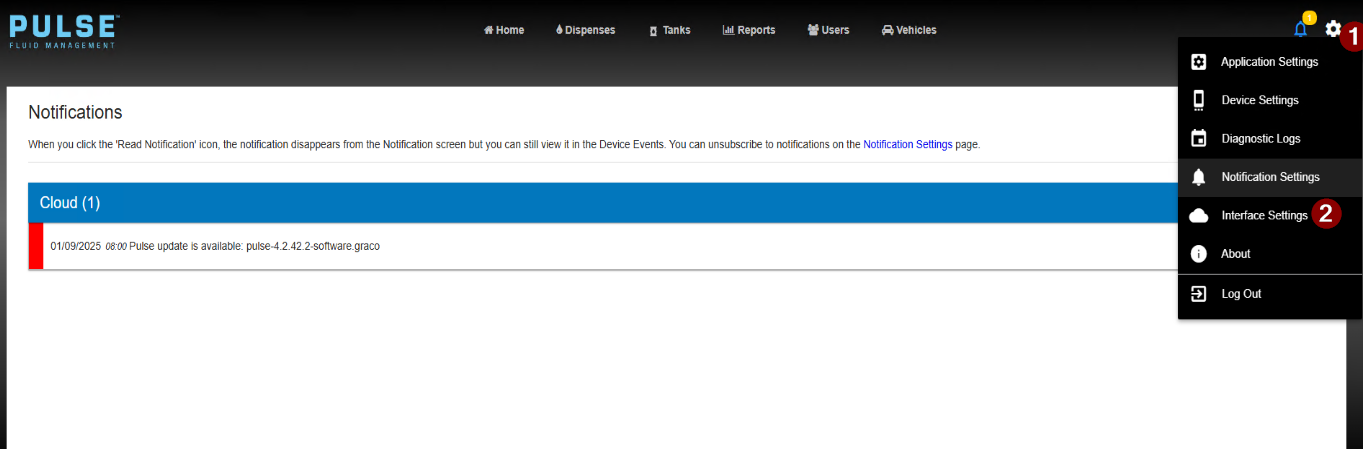
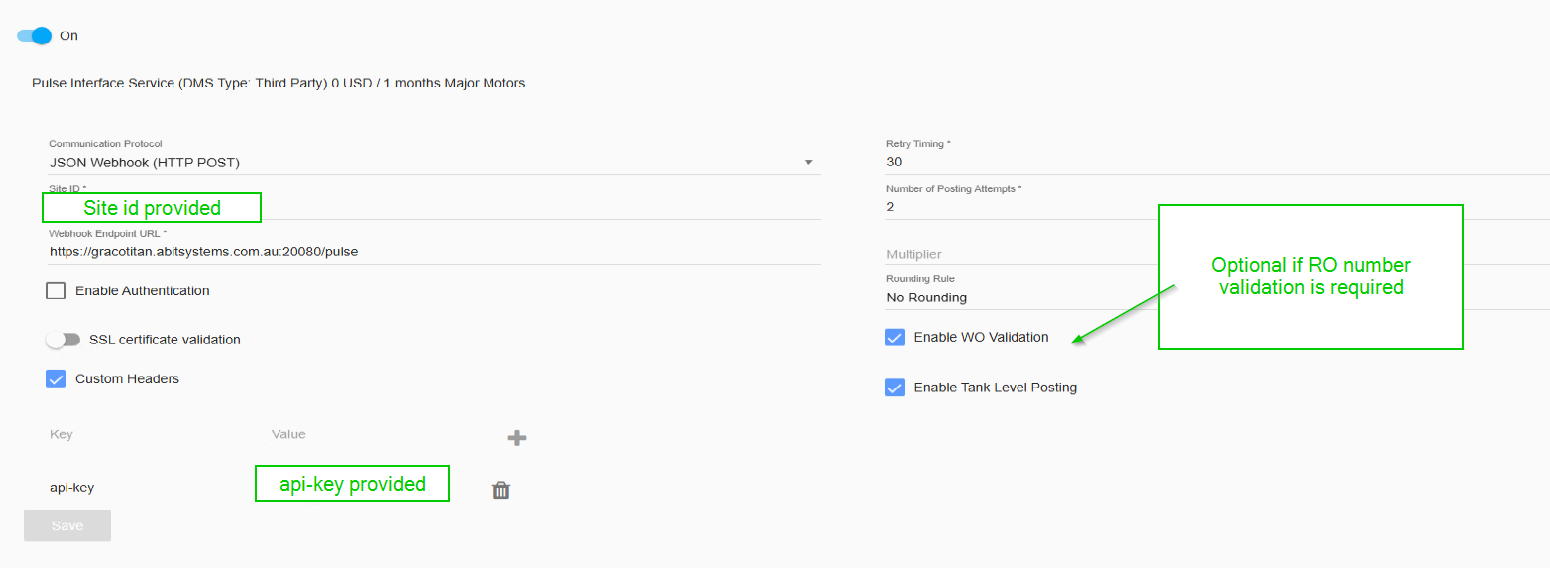
Enter the credentials advised
| Site ID | This will be a unique site ID provided (eg CustomerNameSite1) |
| api-key | Select customer headers and in key enter api-key. The enter the values provided in value. Press the + button to store. |
| Communication Protocol | Select JSON Webhook |
| Webhook Endpoint URL | https://gracotitan.abitsystems.com.au:20080/pulse |
| Enable WO Validation | Options if RO number validation is required before dispensing |
Fluid ID
The interface will need a list of Fluid ID's mapped to a Titan sundry code. The fluid id list can be found here


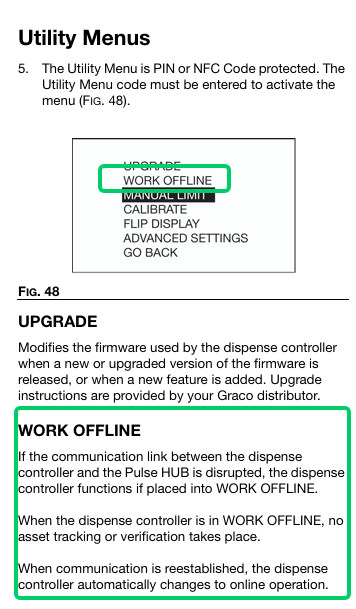
Enter override on meter
Full use of the Graco Pulse system is outside the scope of this documentation. Please contact vendor for more information

Troubleshooting
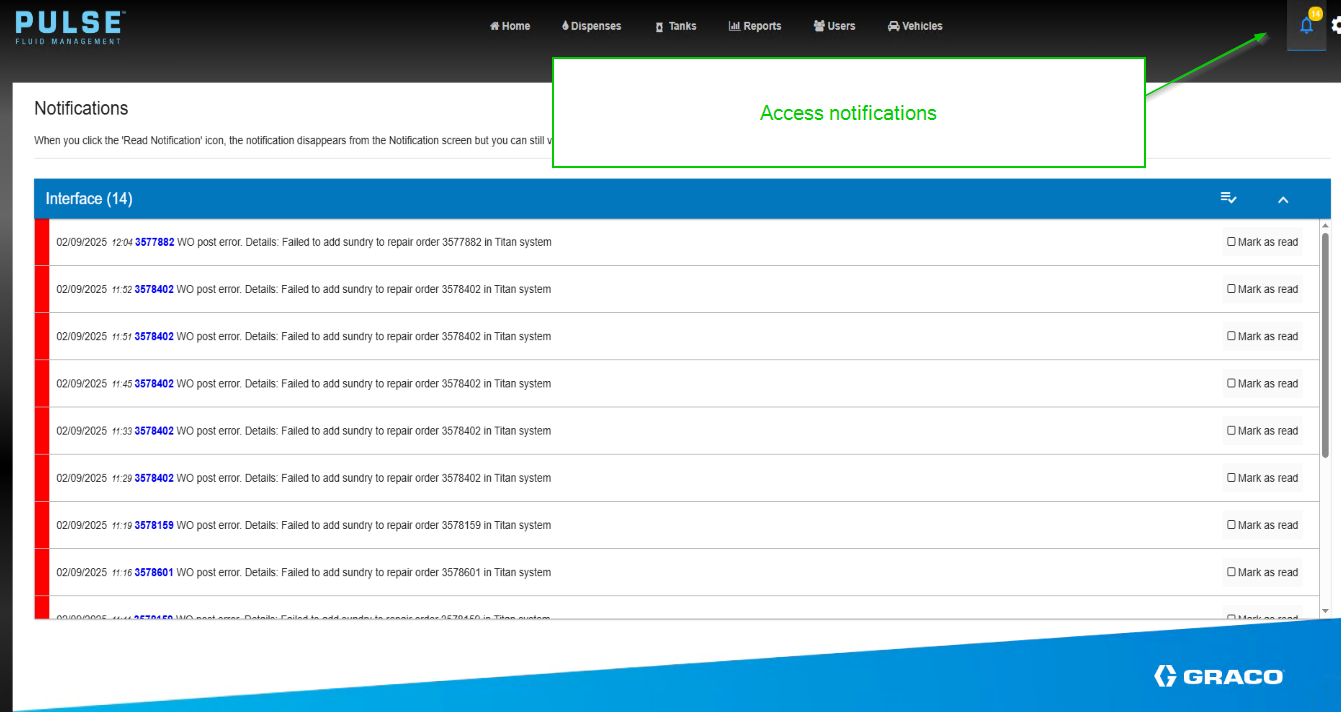
API errors
In the event of validation or posting errors, details will appear in the notifications tab
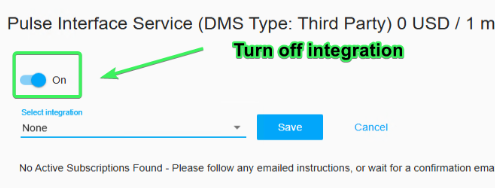
Subscription error
The Pulse interface has had an outage that causes subscriptions to be inactive. In this case the only option was to turn off the Graco / Titan interface and raise incident with Graco.