Basics
Accessing Acquisitions
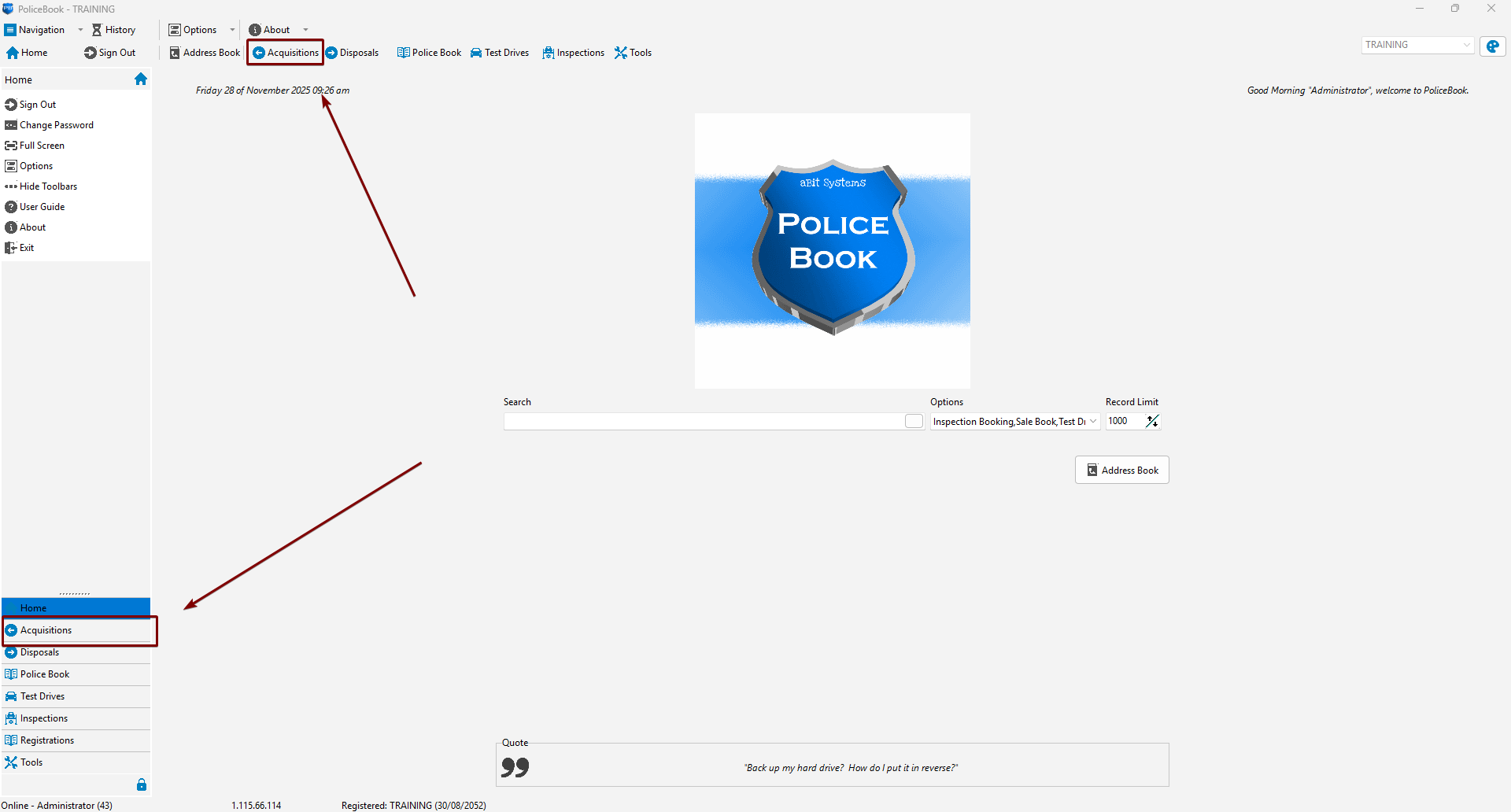
You can access the Acquisitions page by clicking the Acquisitions button in the top toolbar, or the Acquisitions button in the left-side navigation menu.
Creating a new Acquisition entry
Keyboard shortcut: Alt+N
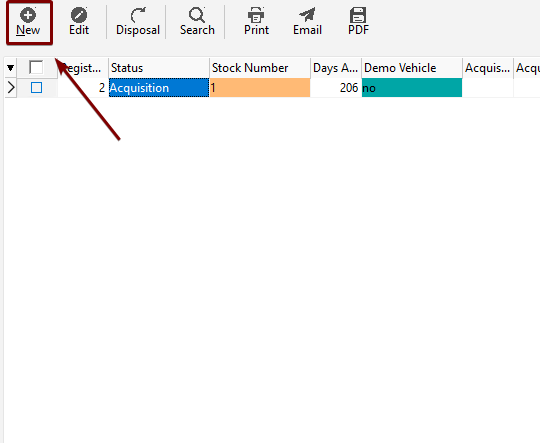
You can create a new Acquisition entry by clicking "New" in the Acquisition toolbar, or by right-clicking and clicking the "New" Menu Item.
| Toolbar | Right-click |
 |
 |
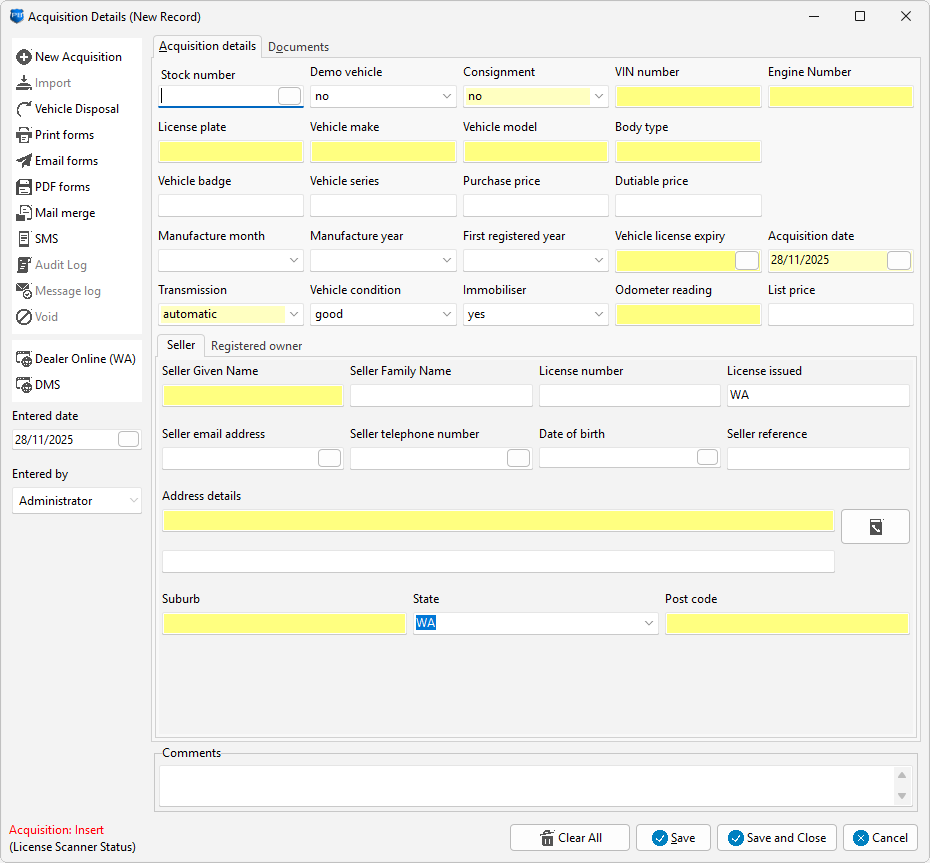
You will get a blank form to fill in data. Yellow fields are mandatory, white fields are optional.