Starting and Logging into Policebook
Starting PoliceBook
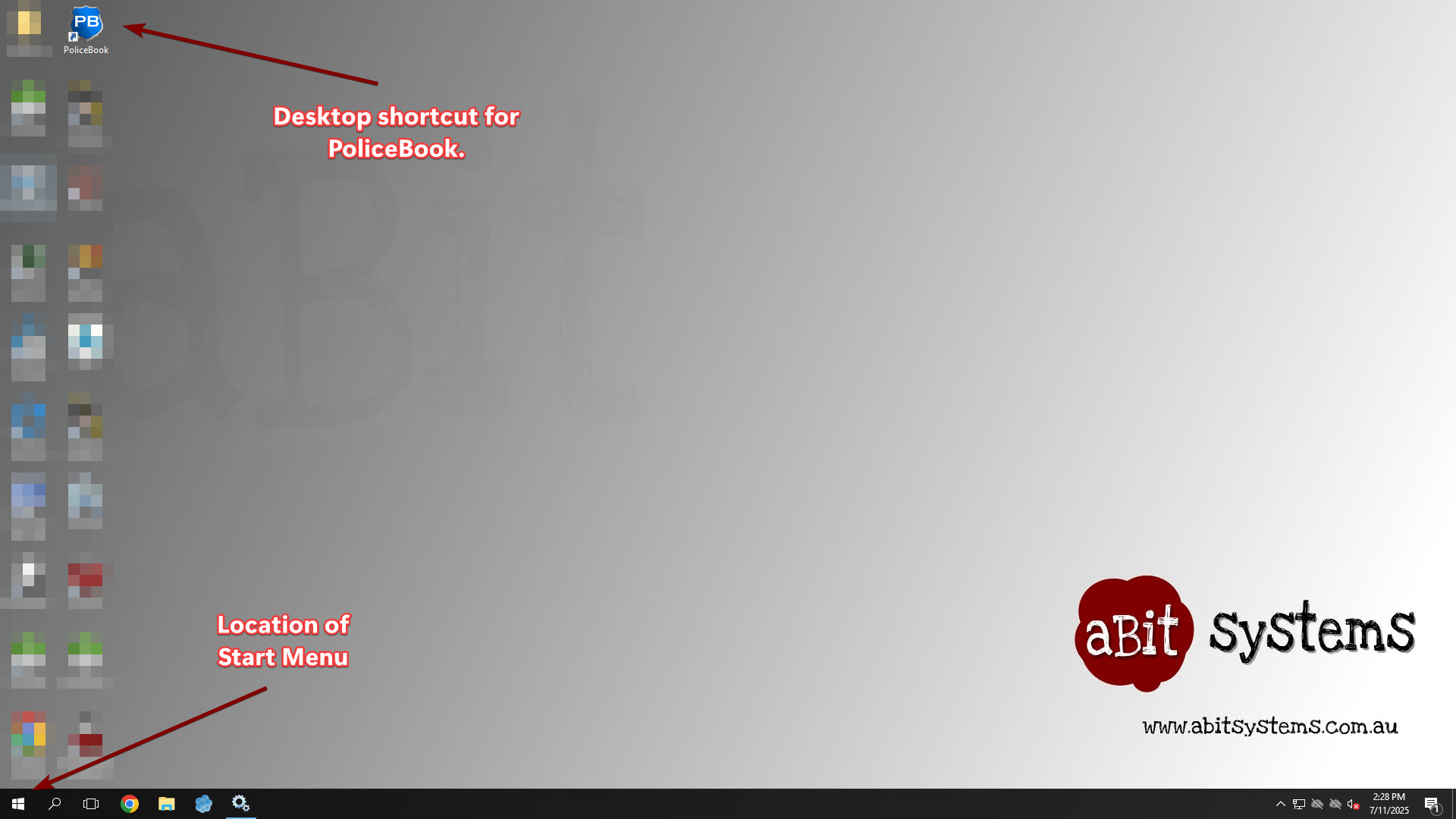
To start Policebook, you have the following options:
1. Use the provided desktop shortcut on your computer to start PoliceBook.
2. Go into the Start Menu and find the PoliceBook program under the "P" section.
3. Search "Policebook" in the Search Box.
Logging into PoliceBook
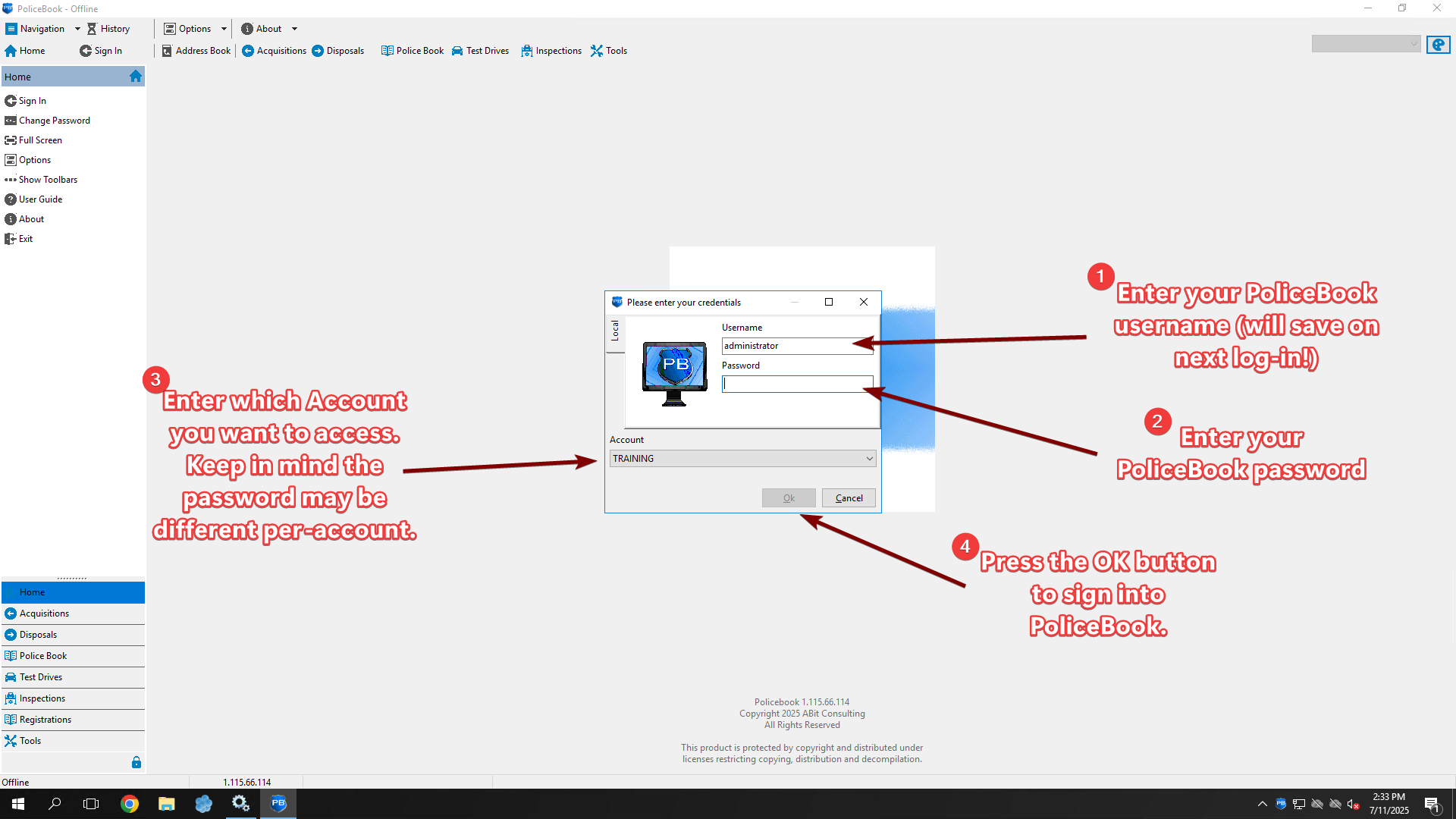
When you start Policebook, you will be shown a pop-up window to log in.
Your PoliceBook username and password is provided by your IT support.
The Account section will only appear if you are a part of multiple accounts for your Policebook site.