
Basics
Accessing Test Drives
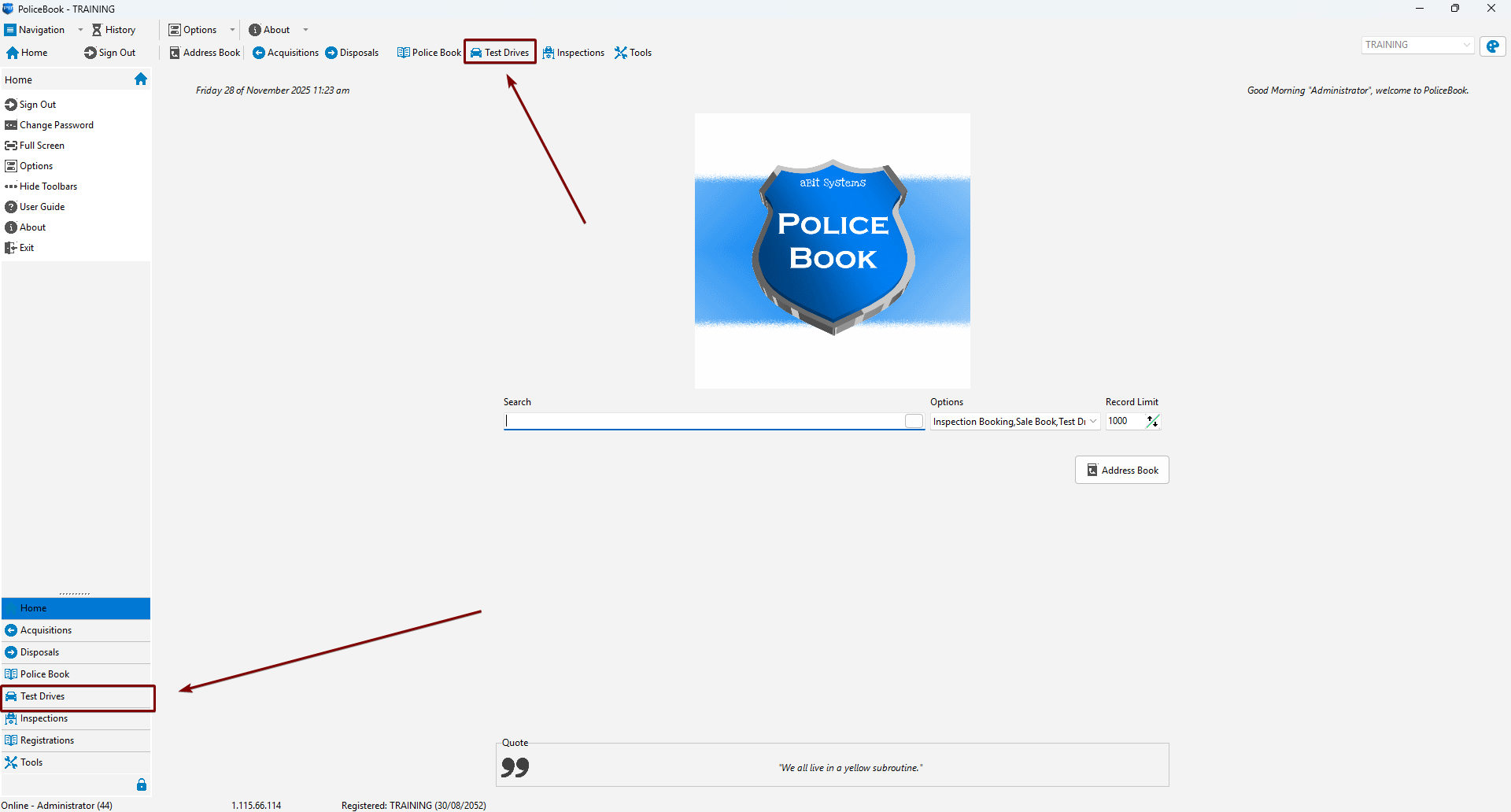
You can access the Test Drives page by clicking the Test Drives button in the top toolbar, or the Test Drives button in the left-side navigation menu.
Creating a new Test Drive entry
Keyboard shortcut: Alt+N
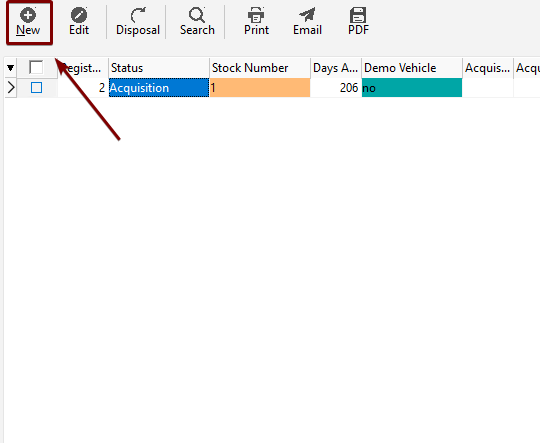
You can create a new Test Drive entry by clicking "New" in the Test Drive toolbar, or by right-clicking and clicking the "New" Menu Item.
| Toolbar | Right-click |
 |
 |
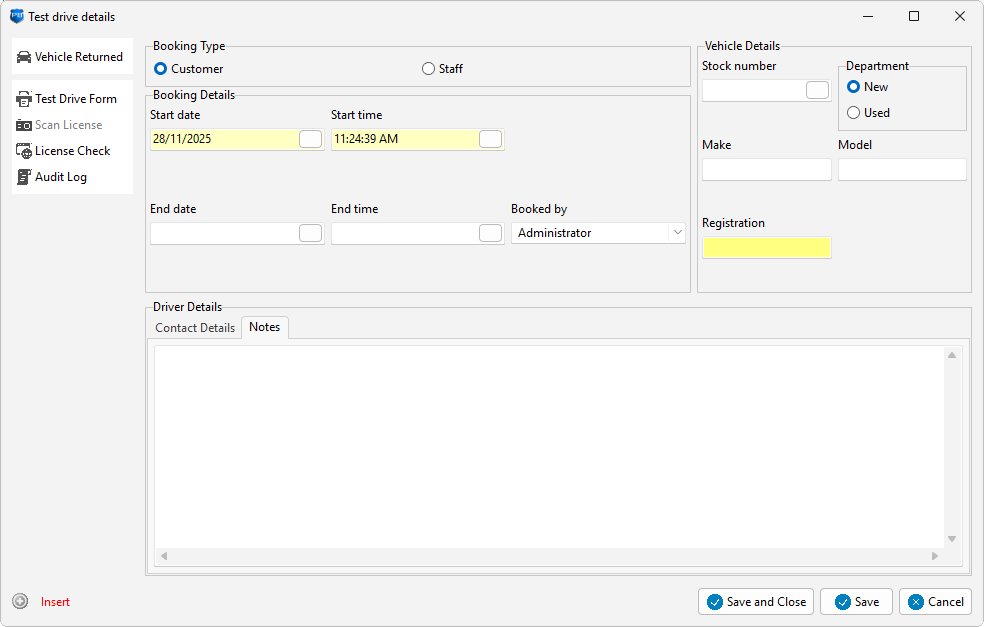
You will get a blank form to fill in data. Yellow fields are mandatory, white fields are optional.
Editing an existing Test Drive entry
You can edit an existing test drive entry by selecting the test drive you want to Edit, and click "Edit" in the toolbar, or by right-clicking the test drive and clicking the "Edit" menu item.
You can then change whatever you like from there.