
Sign in & MFA
Sign in & MFA
Open the Stockie web address provided by your site. Sign in with your username and password.
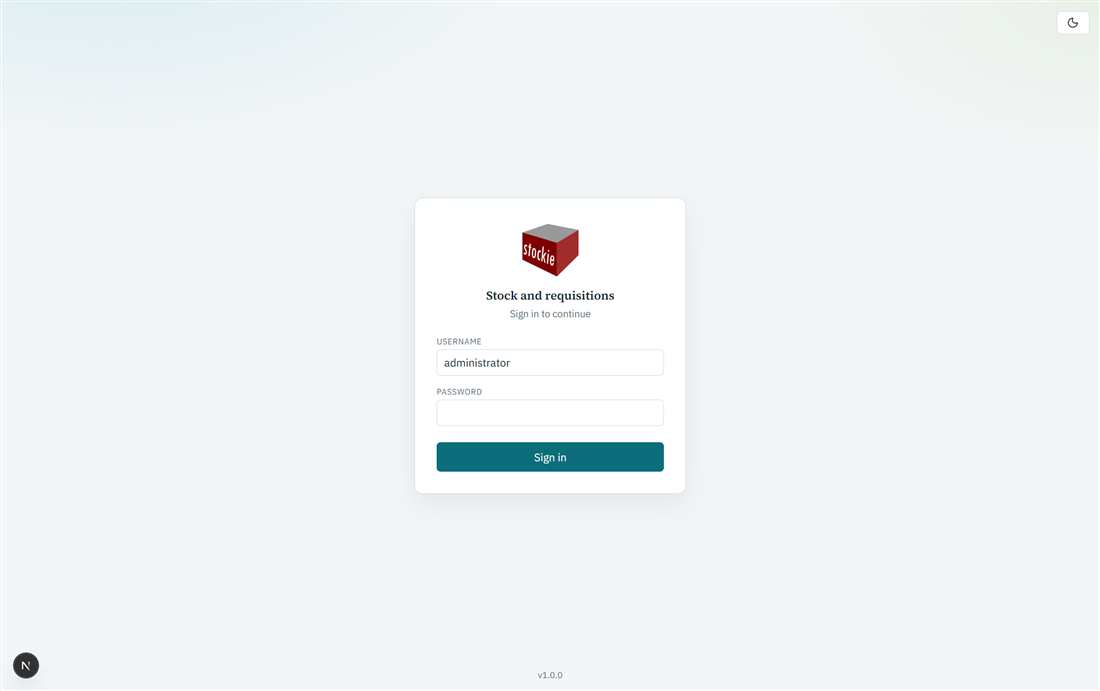
Login screen
Multi-factor authentication (MFA)
If MFA is enabled for the site, you may be asked to:
- Set up email the first time (enter a work email), then enter the code sent to that address; or
- Enter a verification code sent to your registered email on each sign-in.
You can resend the code from the login screen if needed. After a successful sign-in you land on the Items catalogue.
There is no Microsoft SSO or LDAP option in this web version. Accounts are managed in Stockie (Settings → Security for administrators).