Webex Softphone
Download Webex
- Go to webex.com/downloads for the desktop app or scan the QR code for the mobile app.

Login to Webex Softphone
- Search and open Webex app on your computer.
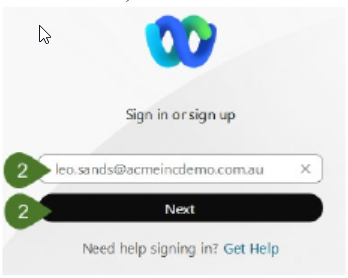
- Enter your Webex User ID (which is typically your phone extension @email domain eg 0101@company.com) and click on Next.
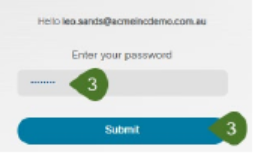
- Enter your Password, then click on Submit.
Answering a Call
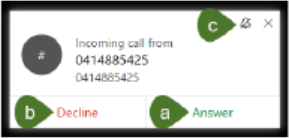
To answer an incoming call:
- Select Answer.
- Or if unable to answer, select Decline and it will send the call to your Voicemail.
- The Bell icon will put the ring tone on silent.
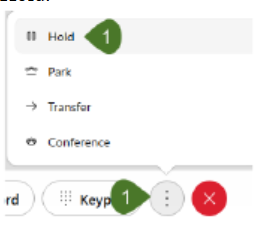
Hold/Resume a Call
Hold.

Mute a Call


Making a Call
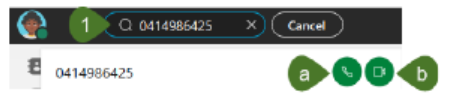
To initiate a call, click into the Search, meet and call bar at the top of the application and enter either the name of the internal user or the external number you would like to call.
You will see the results listed below.
Consultation Transfer
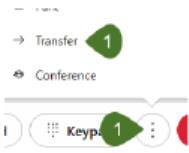
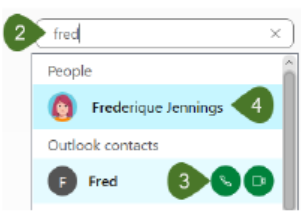
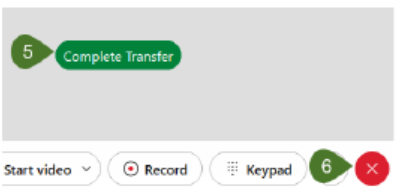
Complete Transfer button. If you need to cancel the transfer, select the Red End Call button to disconnect.