
Create order
Create order
From Items, after filling Order qty, choose Create order. Stockie opens a review screen grouped by vendor.
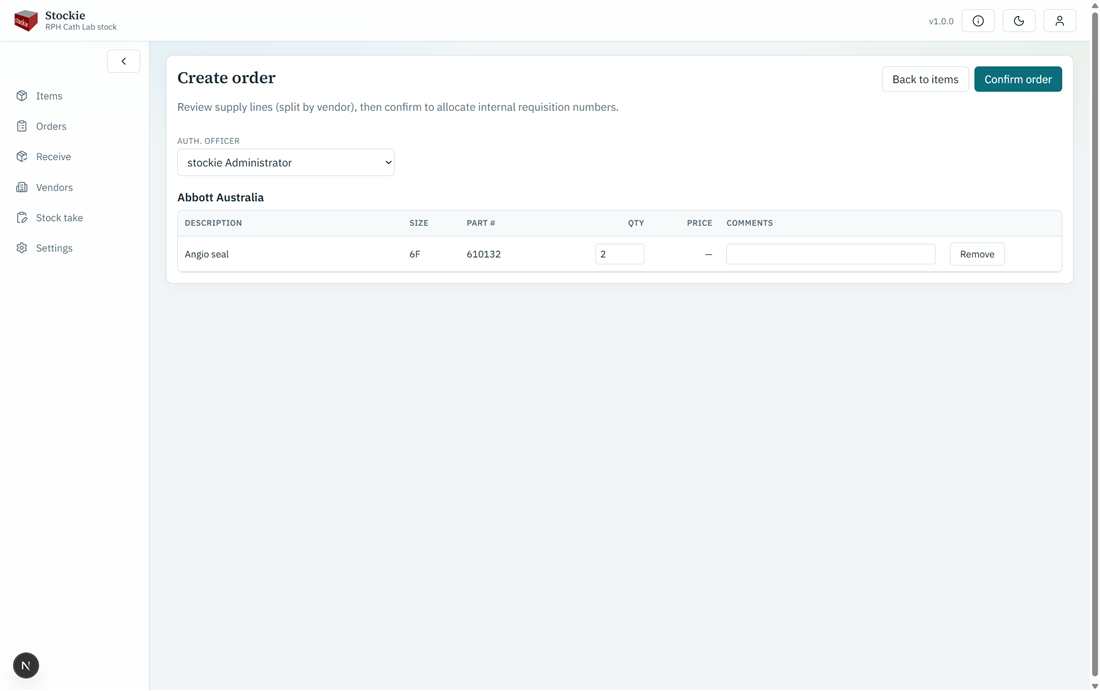
Session cart reviewed and split by vendor
Confirming
- Check quantities and optional line comments.
- Select the Auth. officer (staff list; defaults to you).
- Confirm. Stockie creates one purchase order per vendor and allocates an internal req no to each.
Hospital coding (deliver-to, cost centre, next internal req number, site subtitle) comes from Settings, not from fields typed on this screen. The session cart is cleared after a successful create.
If several vendors were in the cart, you return to the Orders list. If there was only one vendor, you open that order.