
Receive stock
Receive stock
Use Receive in the side menu when a delivery arrives.
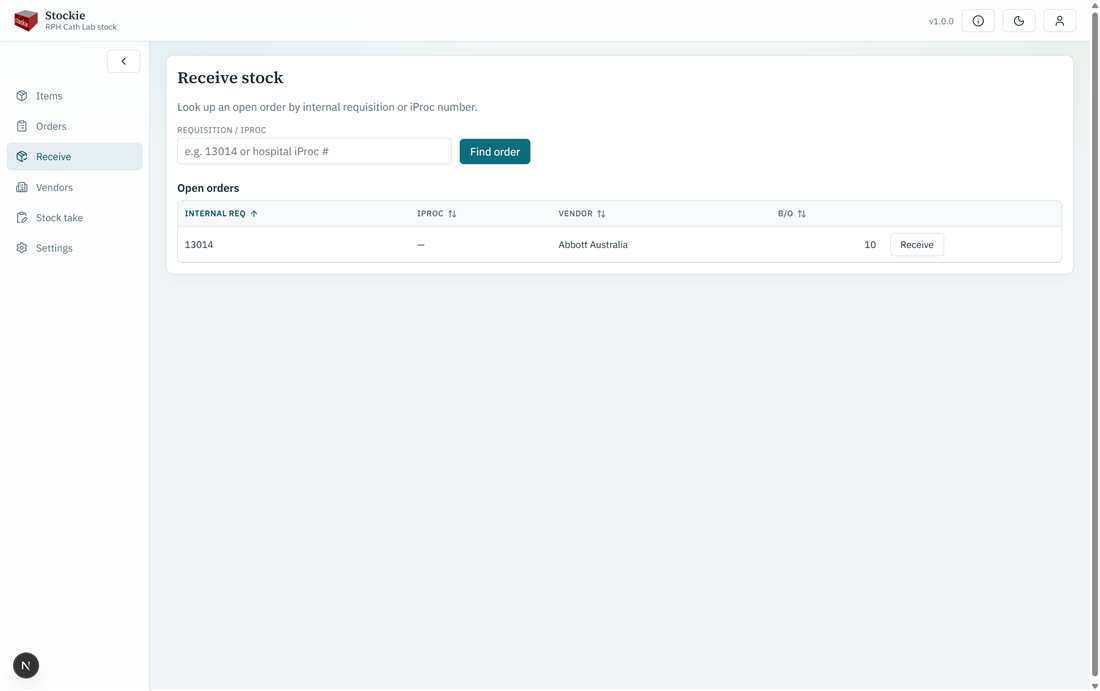
Look up by internal req or iProc; open orders listed below
Lookup
Enter the internal req no or the iProc number and continue. You can also pick an open order from the list on the page.
Entering quantities
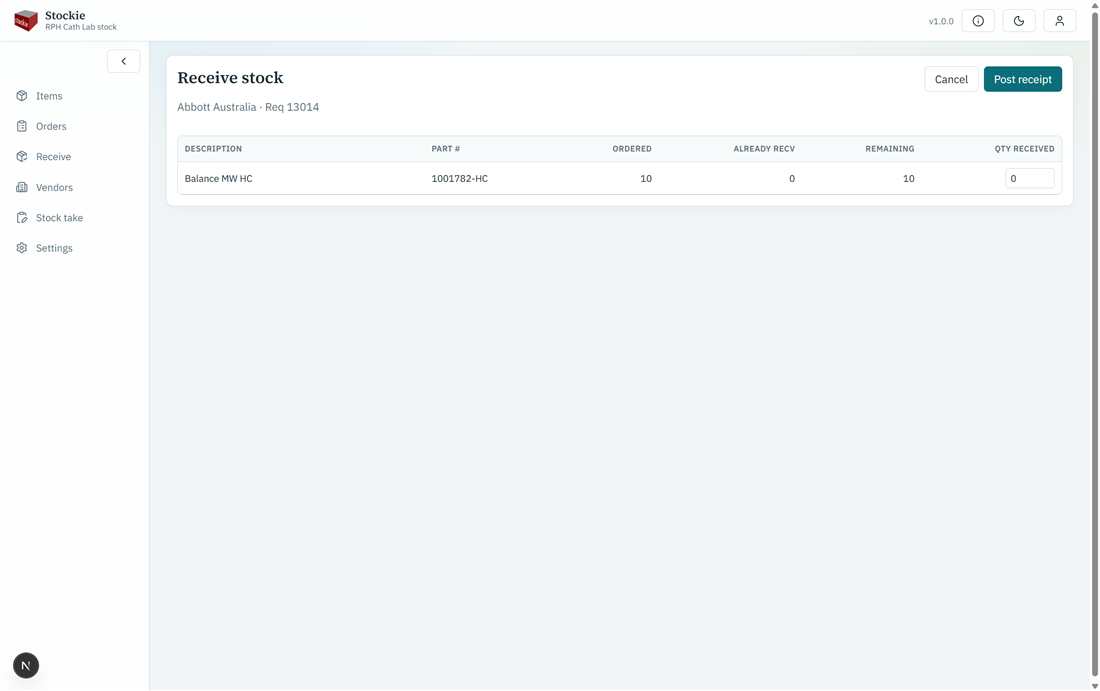
Enter received quantities per line
- Enter how many arrived on each line. Partial receipts are allowed.
- Remaining quantity stays on back order until later receives.
- On-hand increases by the received amount.
- When everything is received, the order can close; otherwise receive again when the rest arrives.