
Stock take
Stock take
Stock take is a dedicated screen (not started from Items as in the old Windows app).
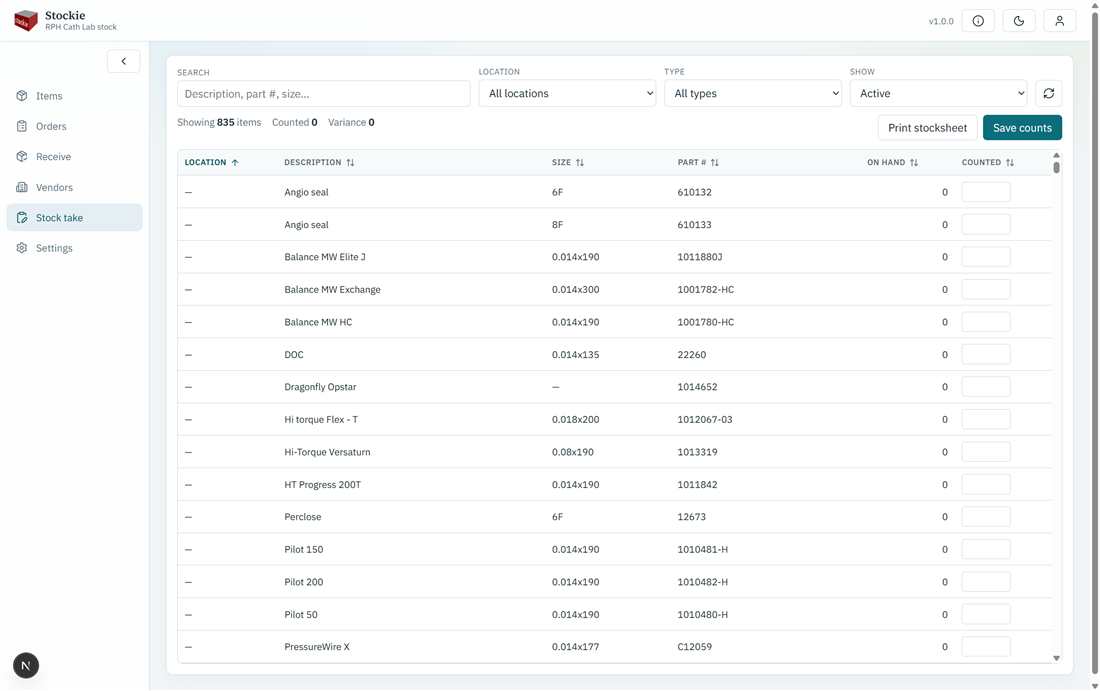
Count against the catalogue and save
- Filter or search to the area you are counting (type, location, active items).
- Enter the counted quantity for each item.
- Save. With write access, on-hand is updated to the counted values.
Readers can view the list but cannot save counts.