
Settings (admin)
Settings (admin)
Settings is visible only to administrators. Use it for hospital coding, email, security, lookups, and audit — not day-to-day ordering.
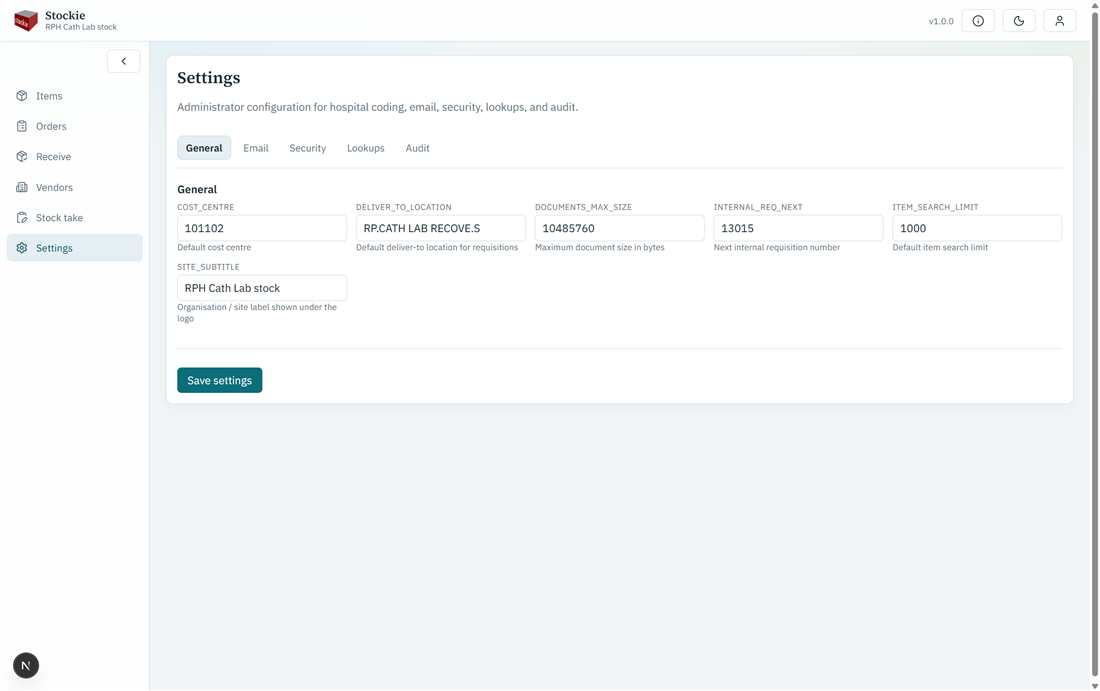
General settings — site subtitle and hospital coding
General
Site subtitle (shown in the shell), deliver-to, cost centre, next internal requisition number, and related coding used when creating orders.
SMTP settings for MFA and system mail, plus a test send.
Security
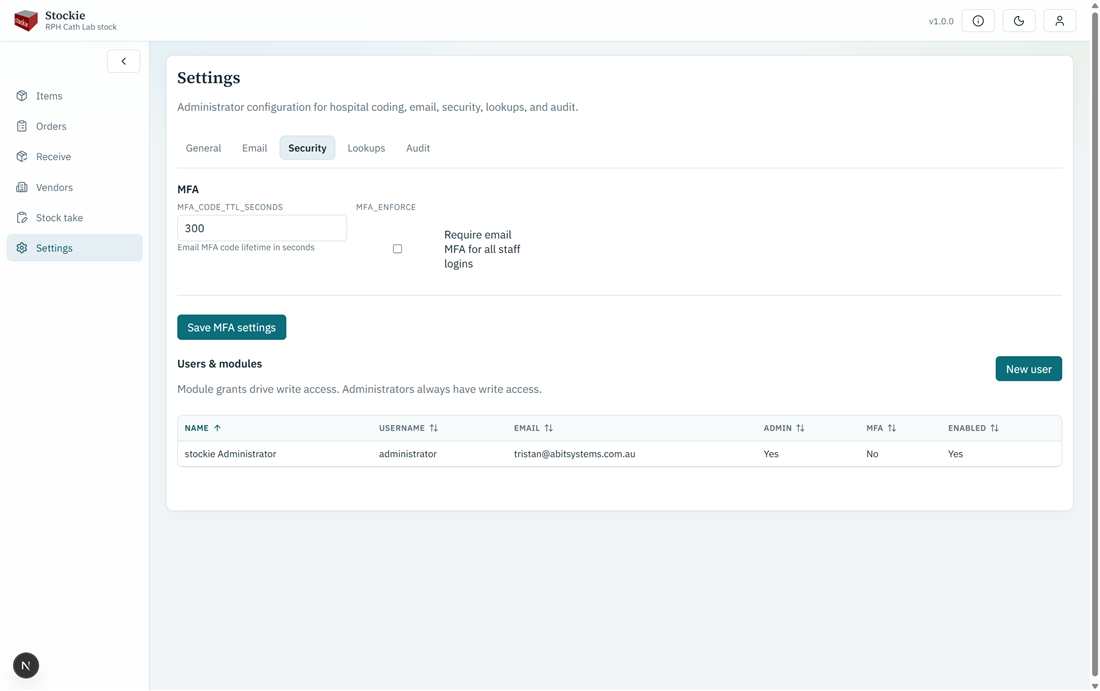
Security — MFA and users
Site MFA options, staff users, passwords/enablement, and module write grants.
Lookups
Maintain item types and locations used on the catalogue.
Audit
Review system audit entries (who changed what). This replaces a separate “History” menu from the old Windows product.